01
Why animations look artificial
You notice it at once, even without knowing why. The edges are razor sharp. Every metal looks like grey plastic. The light comes from everywhere at once. The camera floats rigidly and evenly through space. And nothing shows any sign of manufacture, not even a machining mark.
Reality is different. Every edge has a small bevel that catches light. Milled metal has a direction. Light comes from windows and lamps, not from nowhere. A frame looks real when these small things are right.
02
Material: metal is not just grey
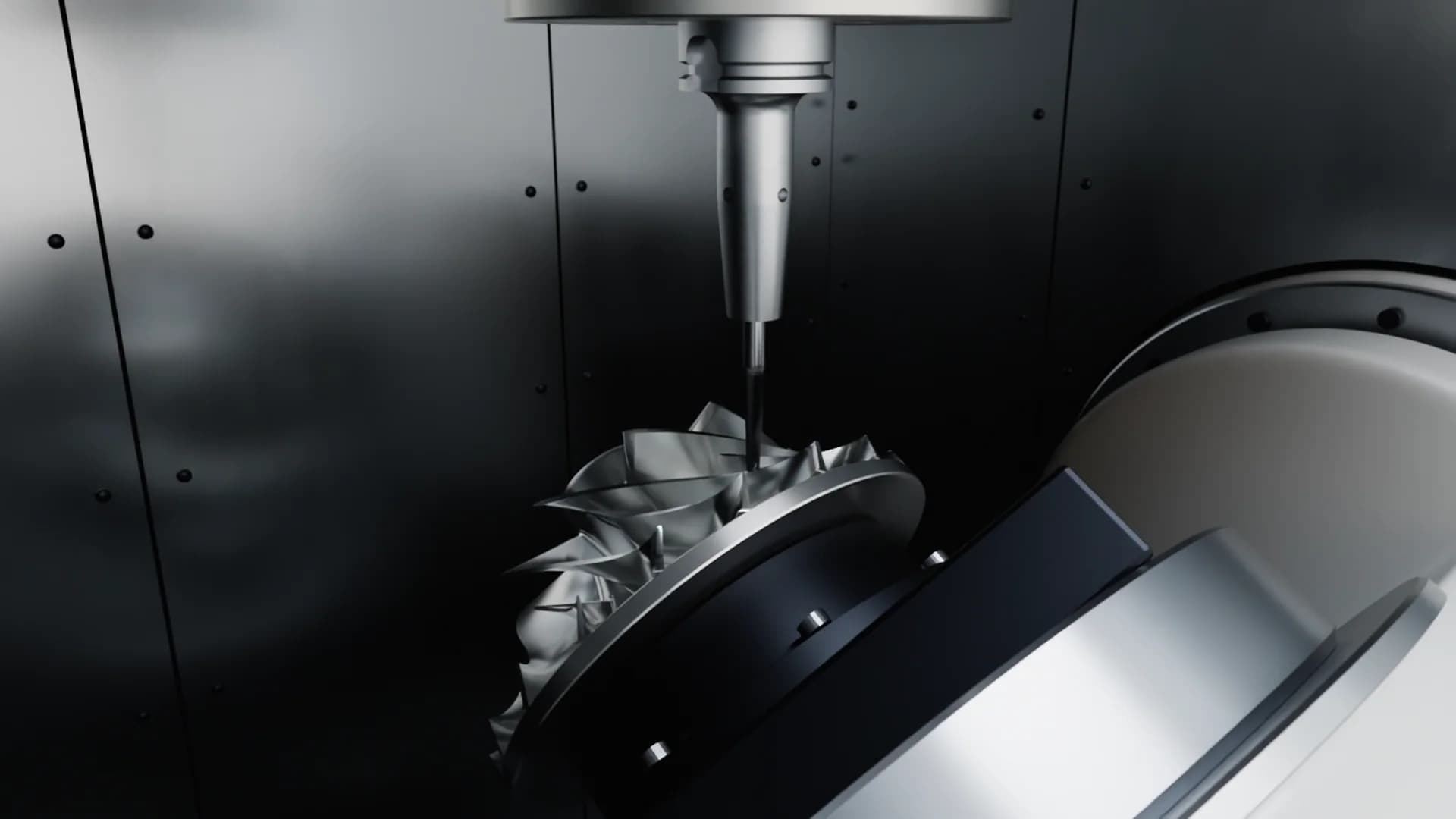
In Blender I describe every material physically: base colour, how metallic, how rough. Ground stainless steel doesn’t reflect in a round highlight but stretched along the grinding direction. That is called anisotropic, and it is exactly what the eye reads as real. Cast iron is matt and grainy, powder coating has a soft sheen in your RAL shade, rubber swallows almost all light.
Then come small irregularities: a machining groove, slightly uneven roughness. Not dirt, your machine should look clean. But not sterile. If you send me photos of your surfaces, I match them more closely.
A still in the making
How light, material and render time become a picture people believe.
Example settings
- Renderer
- Cycles, physically based
- Resolution
- 1920 × 1080
- Frame rate
- 60 frames per second
- Length
- 40 s = 2,400 frames
- Motion blur
- on
- Focal length
- 85 mm
- Denoising
- off
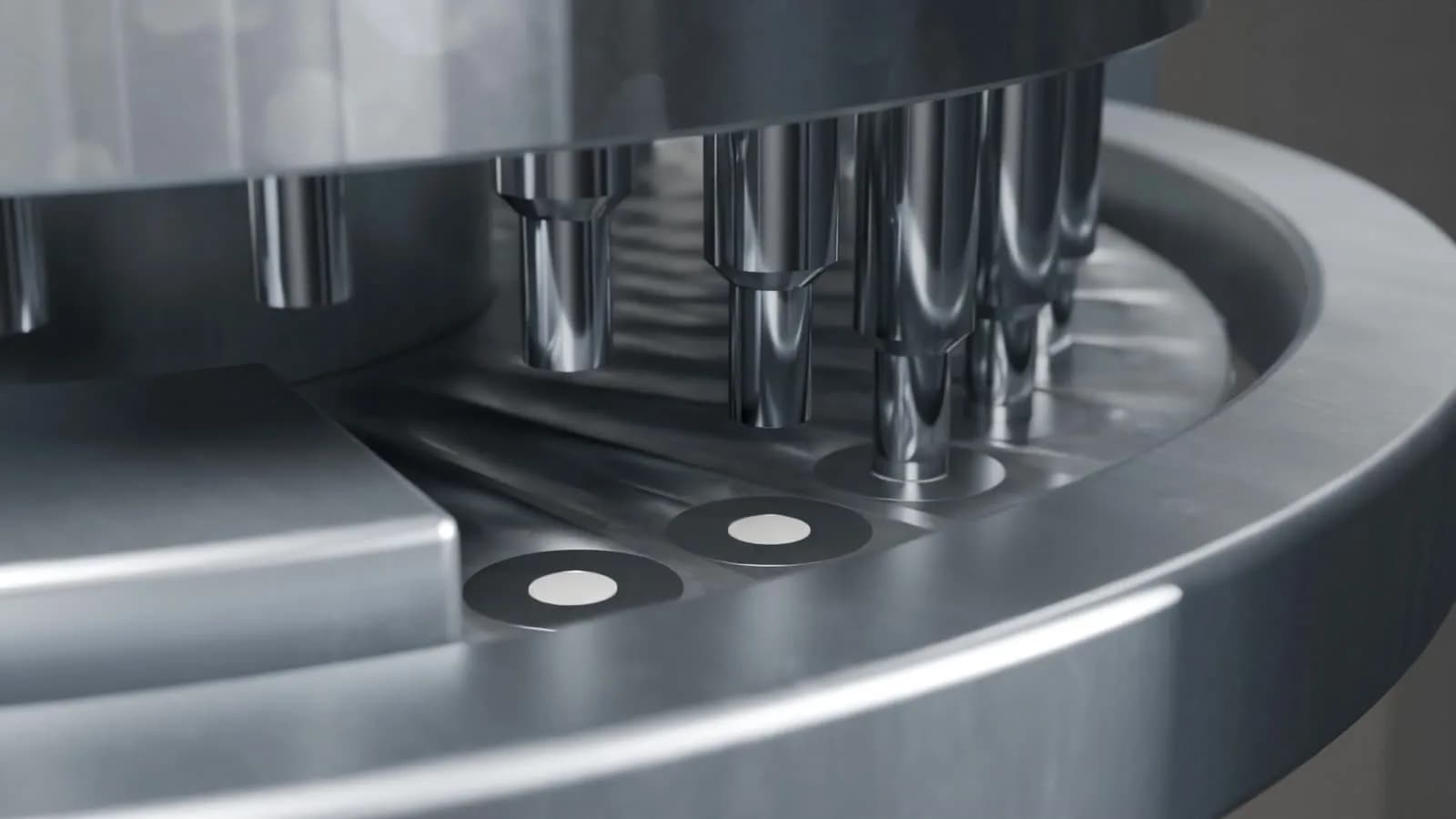
16 samples: light is only roughly traced, the picture is noisy. That is what a quick preview looks like.
Four materials, four ways to show light
- Ground stainless steelhighlight stretched along the grain
- Powder coat RAL 7035soft sheen, calm surface
- Cast ironmatt and grainy
- Rubberswallows almost all light
The edge test
03
Light: like a photo studio
I light a machine the way a photographer does in a studio. An environment image provides believable reflections on the metal, plus area lights like softboxes. I often work with a dark studio and targeted rim lights. Then the light traces the machine’s form, and everything unimportant disappears into the dark.
Metal, by the way, shows itself only through its reflections. With nothing to reflect, even the finest steel looks dull. That is why lighting matters more for machines than for almost any other product.
04
Camera: like a real lens
My virtual camera behaves like a real one. Longer focal lengths rather than wide ones, so a machine isn’t distorted as in a phone photo. Depth of field that guides the eye to what matters. Motion blur on fast parts, as any camera would have.
And the movement itself: a real camera on a slider or crane accelerates gently and brakes gently. When a virtual camera does the same, viewers believe it.
05
Rendering: why stills come first
I render with Cycles, the physically based renderer in Blender. It traces light rays the way they would travel in a real room. That takes time. A 40-second film at 60 frames per second has 2,400 frames, and every single one is calculated and cleaned of noise.
That is exactly why you get stills from me first. With them we lock look, light and materials while a change still costs minutes, not days. Only once the stills are approved is the motion made.
06
Where realism stops being useful
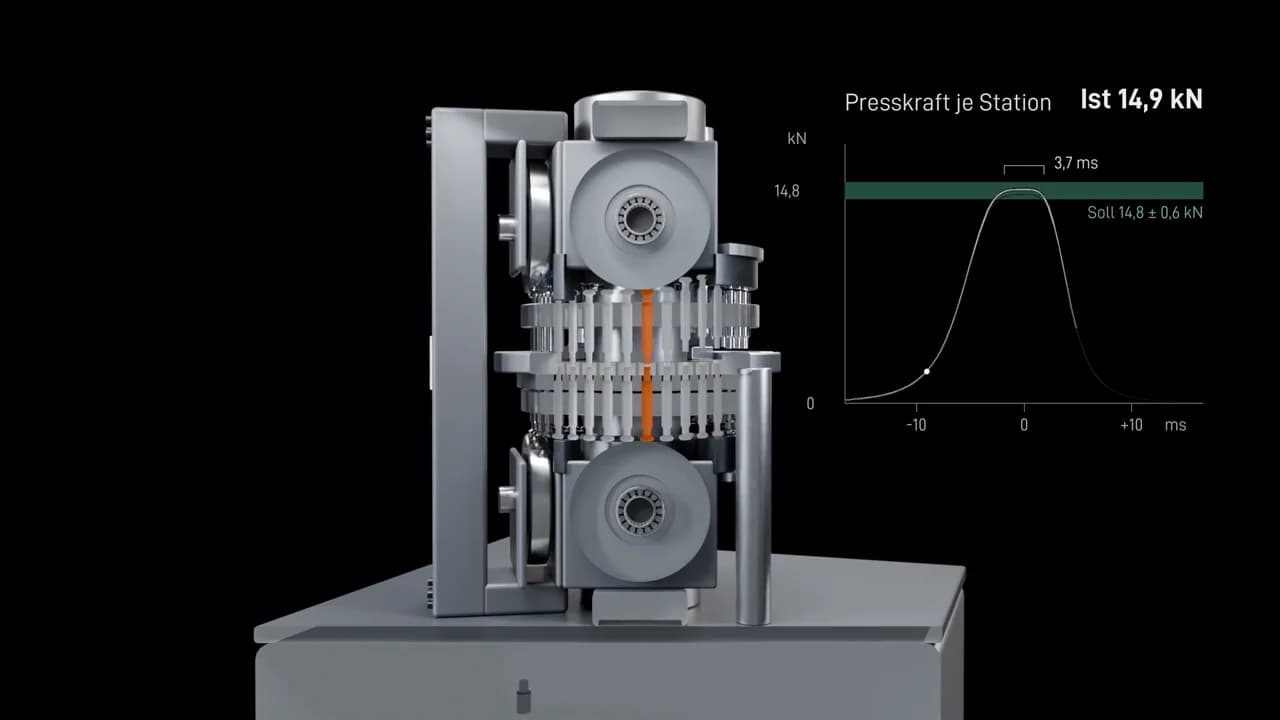
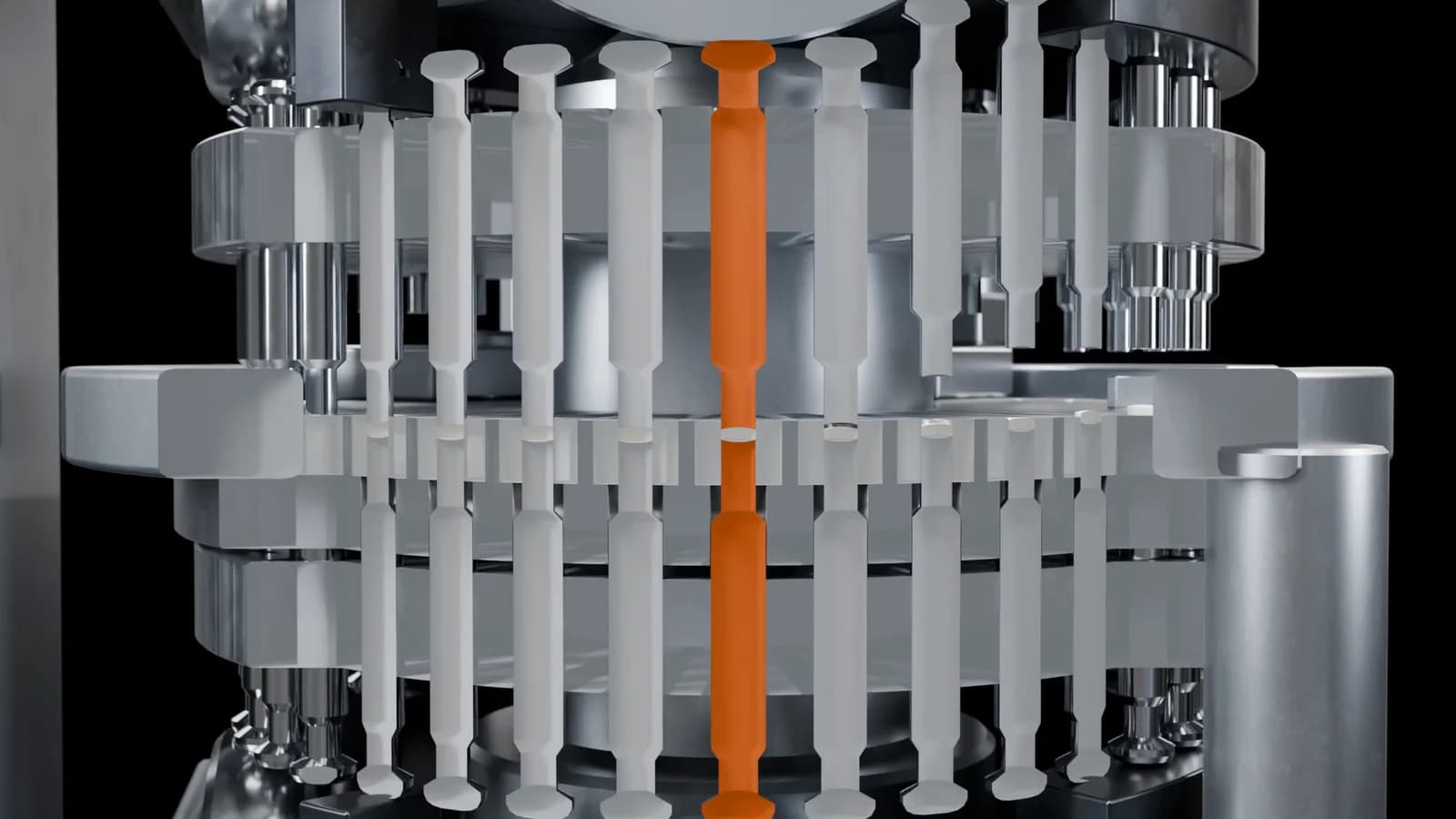
Photorealism is not an end in itself. A cut through the running machine is deliberately unreal, so is an orange accent colour, and so is a force curve on screen. None of these exists in the hall, and yet they are what make the film understandable.
So my measure is: as real as needed for viewers to believe the machine, and as clear as possible for them to understand it.
Try this: The edge test
Look at an animation that feels artificial and watch only the edges. Are they razor sharp, without a line of light? Then the small bevel every real part has is missing.
07
Common questions
Which software do you use?
Blender. Rendering is done with Cycles, the physically based renderer that calculates light the way it travels in a real room.
How long does rendering a film take?
That depends on the scene and length. A 40-second film at 60 frames per second has 2,400 frames. The time for it is built into the delivery date.
Will the materials look like our surfaces?
With photos of your surfaces and RAL shades I match them closely. We agree on that through the stills before animation.
What resolution do I get?
Standard is Full HD at 60 frames per second, as an MP4. Higher resolutions or special formats are possible and are then listed in the quote.
Does a realistic look cost more?
No. The look is part of every film. The price is set by length, number of scenes and how complex the model is.