01
The format: STEP is enough
The best exchange format is STEP. Every common CAD system exports it, whether SolidWorks, Inventor, Creo, NX, Solid Edge or CATIA. With the AP214 variant, colours and the assembly structure are kept, which saves me a lot of sorting.
I don’t need your native files. Mesh formats like STL or OBJ work at a pinch but lose the assembly structure and are often too coarsely meshed. IGES works but is older and more error-prone.
02
What I really need, and what I don’t
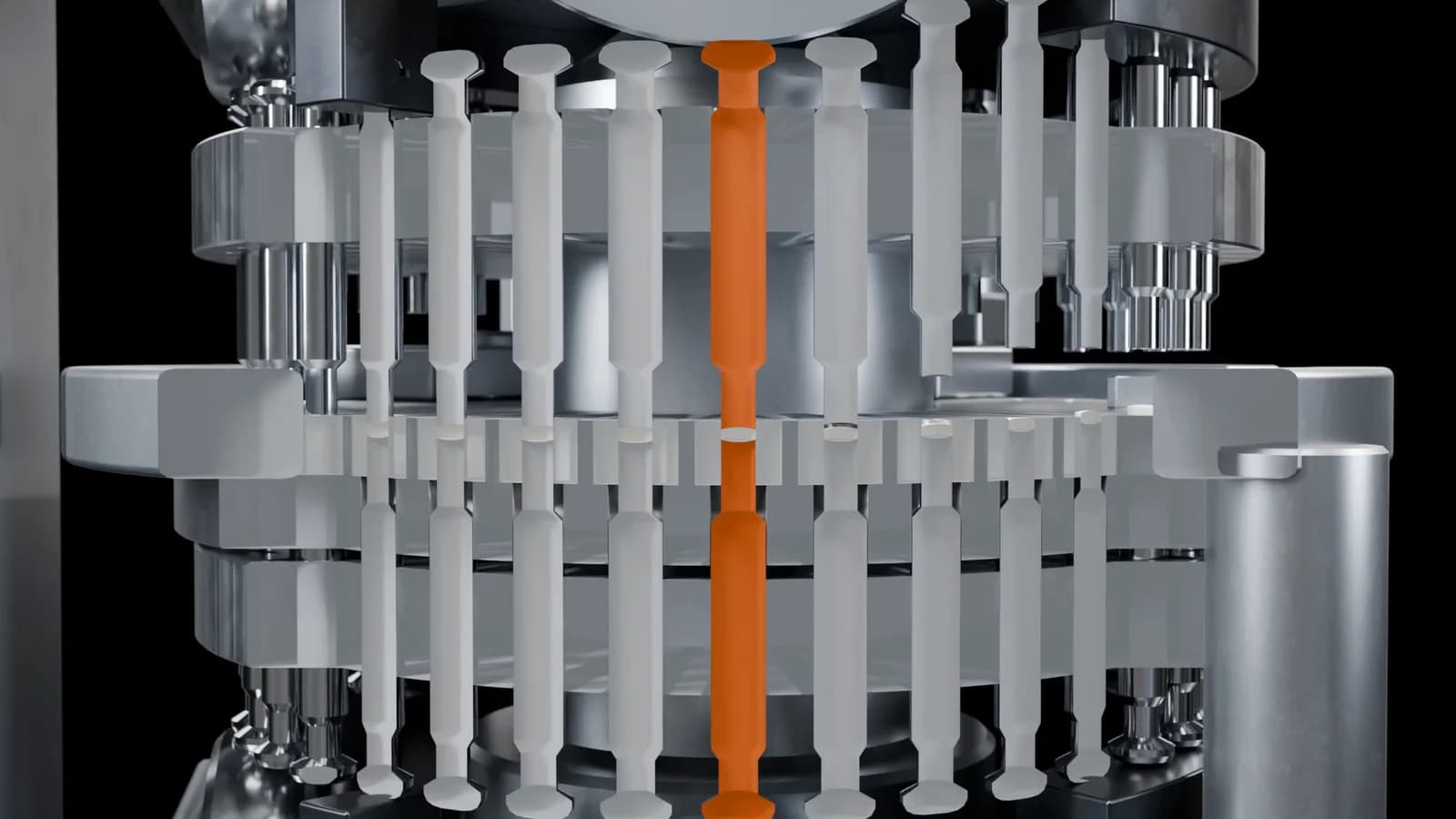
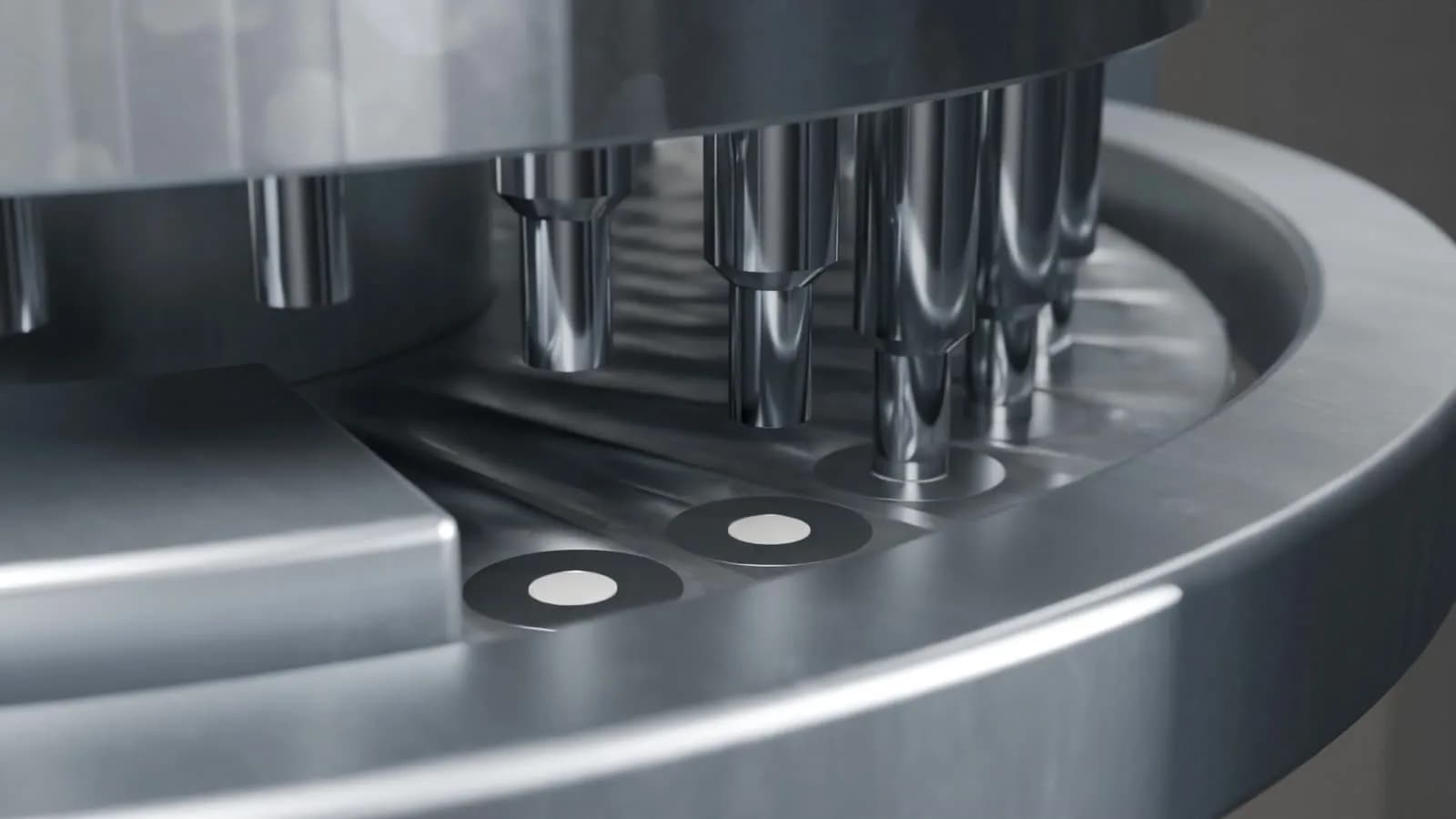
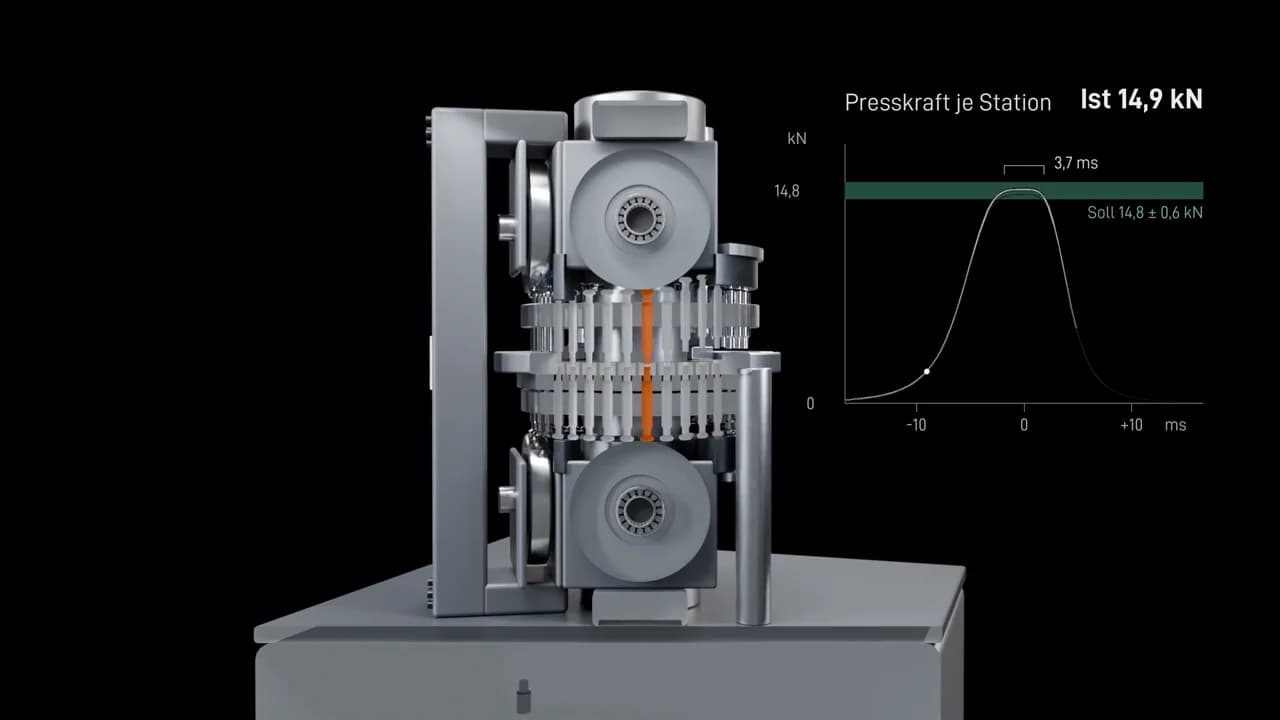
I need the assembly as it will be seen in the film. Not every screw, not every thread, not the cable harnesses behind the covers. Whatever moves should be a separate part so I can animate it. Bought-in parts like motors or sensors may be simplified.
The exception is a cutaway. If the film looks inside, I need the internal parts in exactly that area. File sizes of a few hundred megabytes are normal for machines. I prefer to receive data through your own exchange system.
03
What happens to your data in Blender
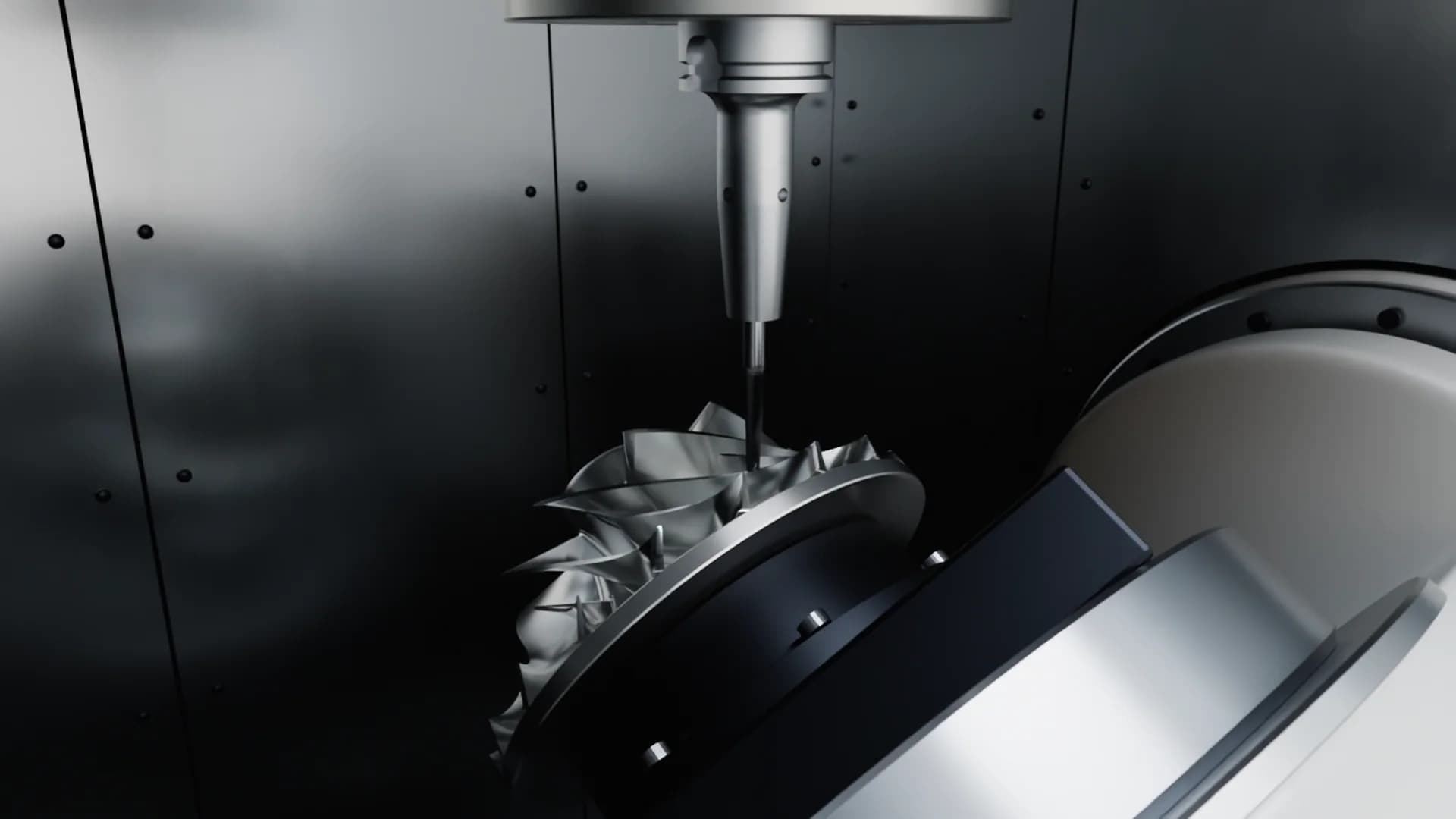
Blender does not read STEP directly. The exact CAD surfaces are first converted into polygon meshes, which is called tessellation. That is the most important step of the whole preparation: too coarse, and round shafts show visible facets; too fine, and a machine has tens of millions of triangles that slow every scene down. So I don’t mesh everything the same: round parts fine, flat sheet metal coarse.
Then comes handwork. Fixing normals so surfaces shade smoothly. Adding small bevels to edges, because in CAD edges are razor sharp, while in reality every edge catches a little light. Sorting parts by material, placing pivots on the real axes. Only then can the machine move the way it does in your hall.
Data handover
What I need from your STEP file, and what it becomes in Blender.
Your_assembly.stpSTEP AP214: colours and assembly structure are kept
- Housingvisible in the filmneeded
- Turretrotates: a separate partneeded
- Punchesthey moveneeded
- Diesseen in the cutneeded
- Drive, bought-in partonly its outer shapesimplified is fine
- Cable harnessbehind the coversnot needed
- Screws and threadstoo small on screennot needed
Exact surfaces become triangles
- Segments
- 8
- Triangles per shaft
- 28
Too coarse: the highlight shows edges where a round shaft should be.
What happens to your data
- 01Non-disclosure agreement signed
- 02Handover through your system
- 03Used for this film only
- 04Deleted, confirmed in writing
04
Without CAD works too
Not every company can or wants to hand out CAD data, and some bought-in parts don’t exist as CAD at all. Then I build the model from brochures, photos, video or dimensioned drawings. That takes longer, and the result is visibly right but not accurate to the micrometre.
For most films that is enough. What matters is that your engineers review the stills before animation. Anything wrong there I correct before time goes into motion.
05
Confidentiality, in writing
Before you send any data, I sign a non-disclosure agreement, gladly your own. I use your CAD data only for this film and never pass it on. After the project I delete it on request and confirm that in writing.
I use the model of your product for no one else. The Blender project files stay with me; they are my working files. And the film is shown only after you have published it and only if you agree.
06
How much effort for your engineers?
Less than you might think. Exporting a STEP file usually doesn’t take long, especially when the assembly already exists. Then someone reviews the stills and the preview, about half an hour each. The project costs you no more time than that.
Try this: The export test
Export the assembly as STEP and open it in a free viewer. Can you see every part that should appear in the film? Then the file is enough.
07
Common questions
Which CAD format is best for a 3D animation?
STEP, ideally AP214, because colours and assembly structure are kept. Every common CAD system exports it; native files are not needed.
Do you need the complete assembly?
No. I need what is seen in the film, with moving parts as separate bodies. For a cutaway, also the internal parts in that area.
What happens to my data after the project?
On request I delete your CAD data and confirm it in writing. I use the model of your product for no one else.
Does it work with STL files?
At a pinch, yes. But STL contains only triangles without assembly structure and is often too coarse. STEP is much better.
Can Blender open STEP files?
Not directly. The surfaces are first converted into polygon meshes. That preparation is part of my work; you don’t need to convert anything.